AI GIF Upscaler: Enhance Animated GIF Quality
Upscale an animated GIF up to 4x with AI. Every frame is enlarged and sharpened, and the animation keeps its timing and loop. It runs in your browser, so the GIF is never uploaded.
Drop GIFs or click to upload
Supports GIF
Choose several to upscale them as a batch (Pro)
or paste with Ctrl+V🔒 Your image never leaves your device
How to Upscale an Animated GIF
Upload your animated GIF using the upload area.
The tool decodes every frame and runs each one through AI upscaling.
Frames are re-assembled into a new GIF with the original animation timing.
Preview the enhanced result to confirm quality.
Download your upscaled GIF with no watermarks and no account needed.
When to Use GIF Upscaling
Social media: sharpen GIFs before reposting them on Twitter, Reddit, and LinkedIn
Old GIFs: rescue low-resolution GIFs saved years ago from other sites
Product showcases: make e-commerce product GIFs look professional and sharp
Website banners: ensure GIF animations look crisp on high-DPI retina displays
Reaction GIFs: enhance a low-quality GIF before reusing it in chats or forums
Content marketing: improve the quality of animated content pulled from an old source
Tips for High-Quality GIF Output
Short GIFs (under 30 frames) upscale in full; longer ones are upscaled up to the first 30 frames
Small, low-resolution GIFs benefit the most since there's more detail to recover
GIF supports 256 colors, so very colorful GIFs may show slight banding after upscaling, which is a GIF format limitation, not a bug
Each frame goes through the AI model, so a 30-frame GIF takes about a minute on a laptop; the progress line shows how long is left
Why Use Our GIF Upscaler
Keeps the Animation
Every frame is upscaled individually and re-assembled with the original timing, so your GIF still animates.
100% Private
All upscaling happens locally in your browser. Your GIF never leaves your device.
Free, With No Upload Wait
No queue and no upload. The AI runs on your own device, several frames at a time.
No Limits
Upscale unlimited GIFs with no file count limits, no watermarks, and no account required.
Examples
See the difference for yourself
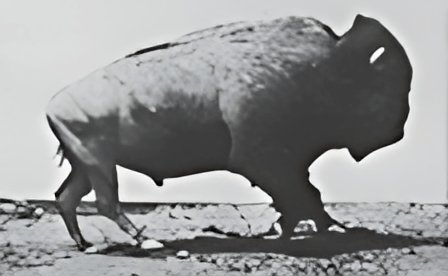
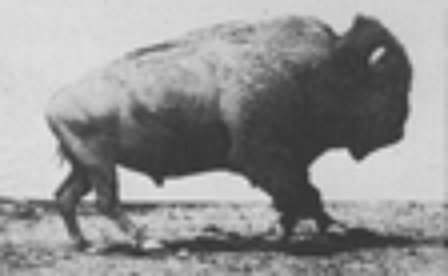
A 112px GIF next to the 448px result (Muybridge, 1887, public domain)
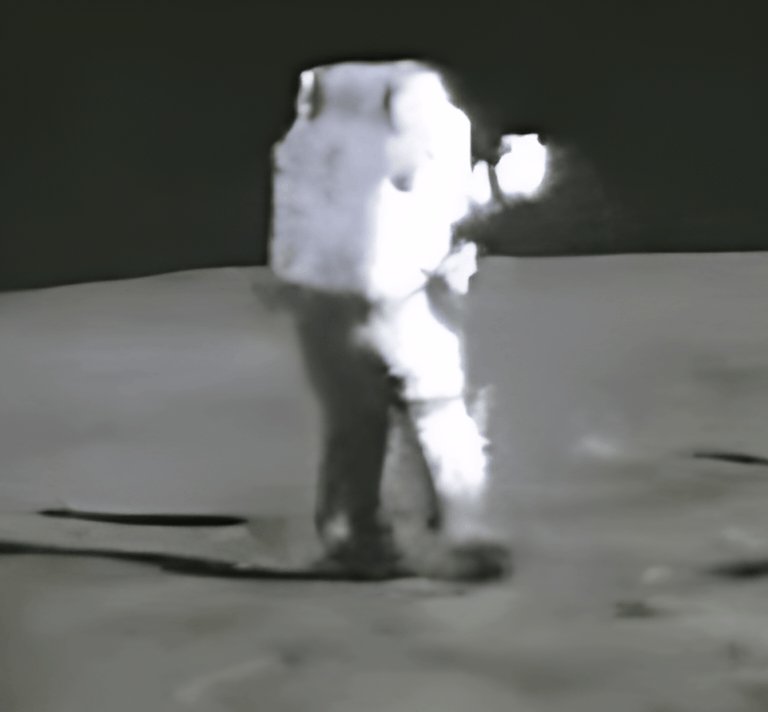
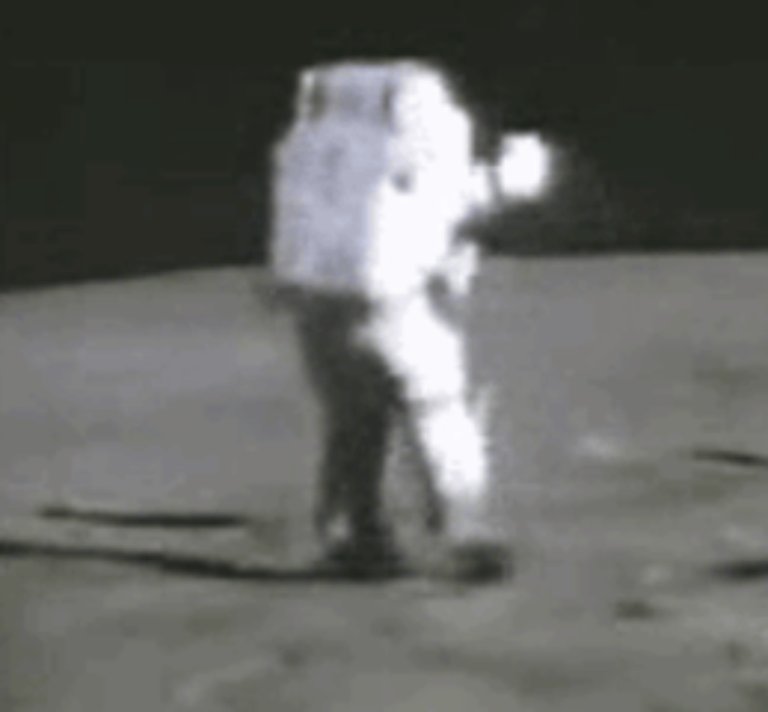
Apollo 16 footage at 259px next to the 768px result (NASA, public domain)
Explore More Tools
Discover other powerful image editing features
Upscale Images with AI
Free AI image upscaler. Enhance and enlarge images up to with AI without quality loss using ESRGAN. Works locally in your browser, no upload required. Unlimited use.
Sharpen Images Online
Free image sharpener. Sharpen blurry images with AI. Works locally in your browser, no upload required.
Enhance Image Quality
Free AI image enhancer. Improve image quality automatically. Works in your browser, no upload required.
Improve Image Quality
Free image quality improver. Enhance low-quality images with AI. Works in your browser, no upload required.
Remove Noise from Images
Free image denoiser. Remove noise and grain from photos with AI. Works locally in your browser.
Coming soonFix Blurry Images
Free blur fixer. Fix blurry images with AI sharpening. Works in your browser, no upload required.
Increase Image Resolution
Free resolution enhancer. Increase image resolution with AI. upscale images with AI with quality enhancement.
Remove a Watermark from a GIF
Remove a watermark or logo from a GIF online free. The AI erases it from every frame and keeps the GIF animated. Runs in your browser, nothing is uploaded.
Frequently Asked Questions
Everything you need to know
Upload it and every frame runs through an AI upscaling model that adds resolution and sharpens detail, then the frames are re-encoded with the original timing. A GIF saved small or saved twice comes back noticeably clearer.